Vizor

Realtime server monitoring and management

Command every Linux host from one secure dashboard.

Vizor connects your dashboard with approved Linux hosts so IT teams can watch live metrics, manage services, browse files, open terminals, and resolve issues without jumping between tools.
Realtime
Live monitoring
Remote
Host access
Unified
Operations
Guided
Agent onboarding
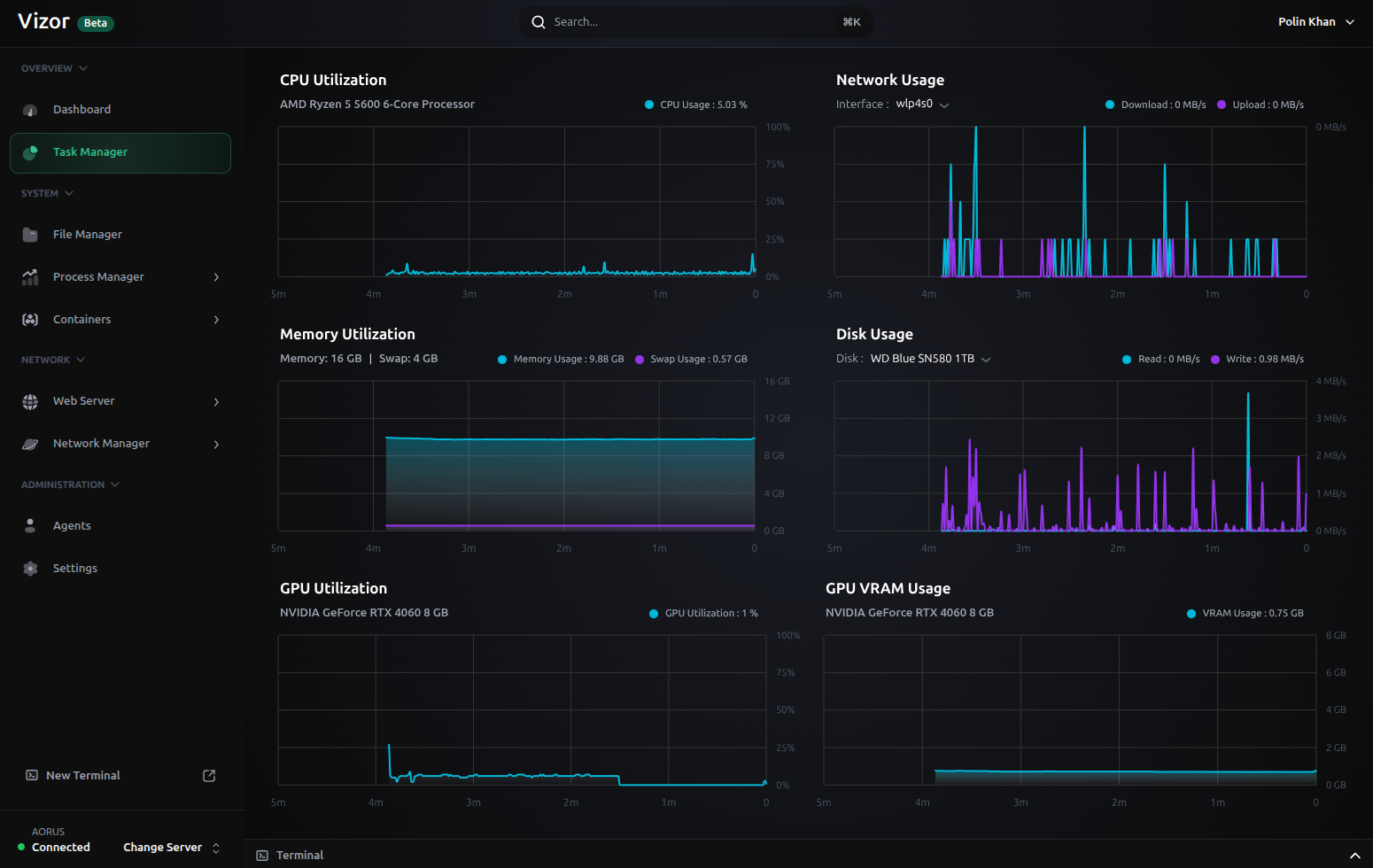
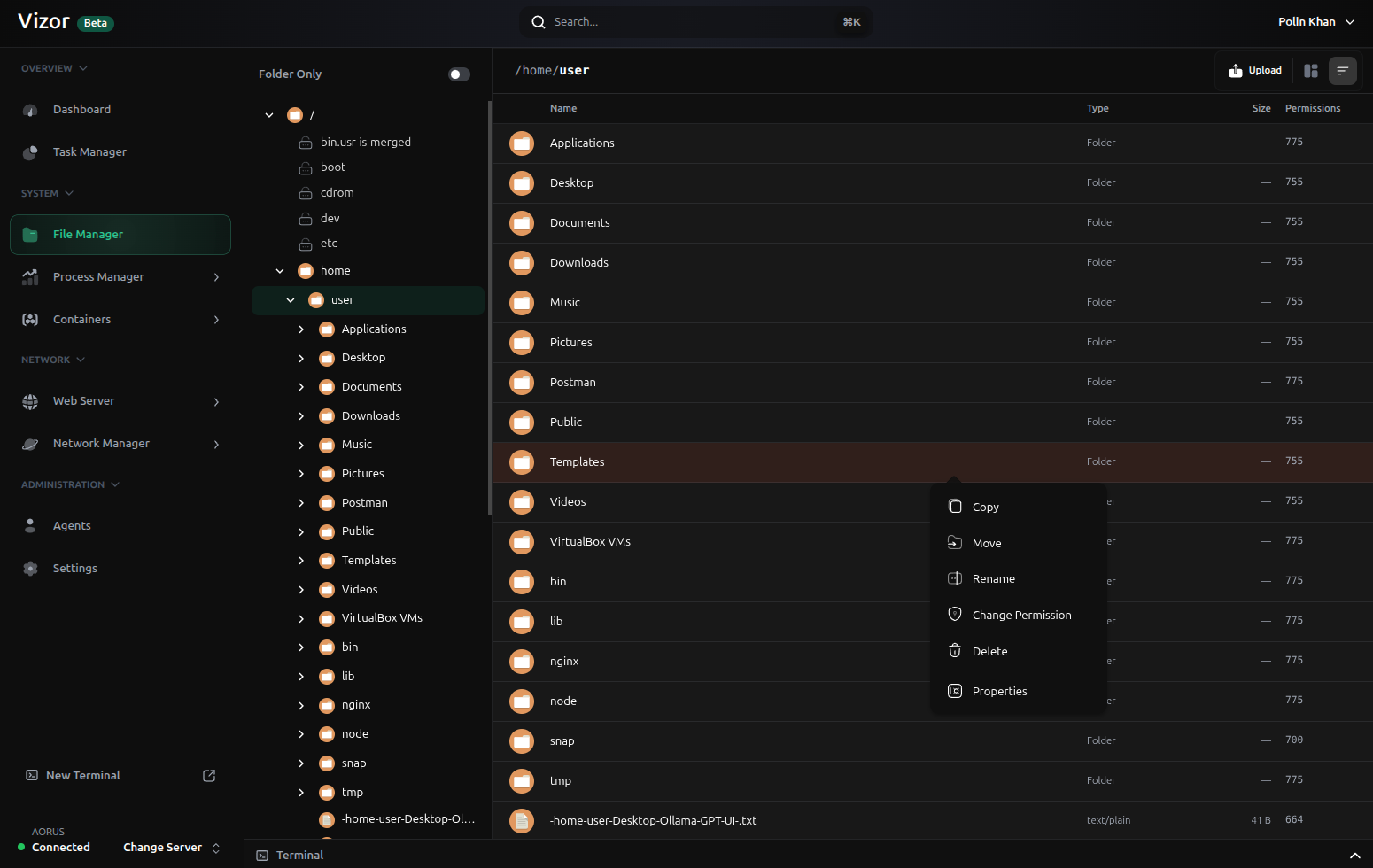
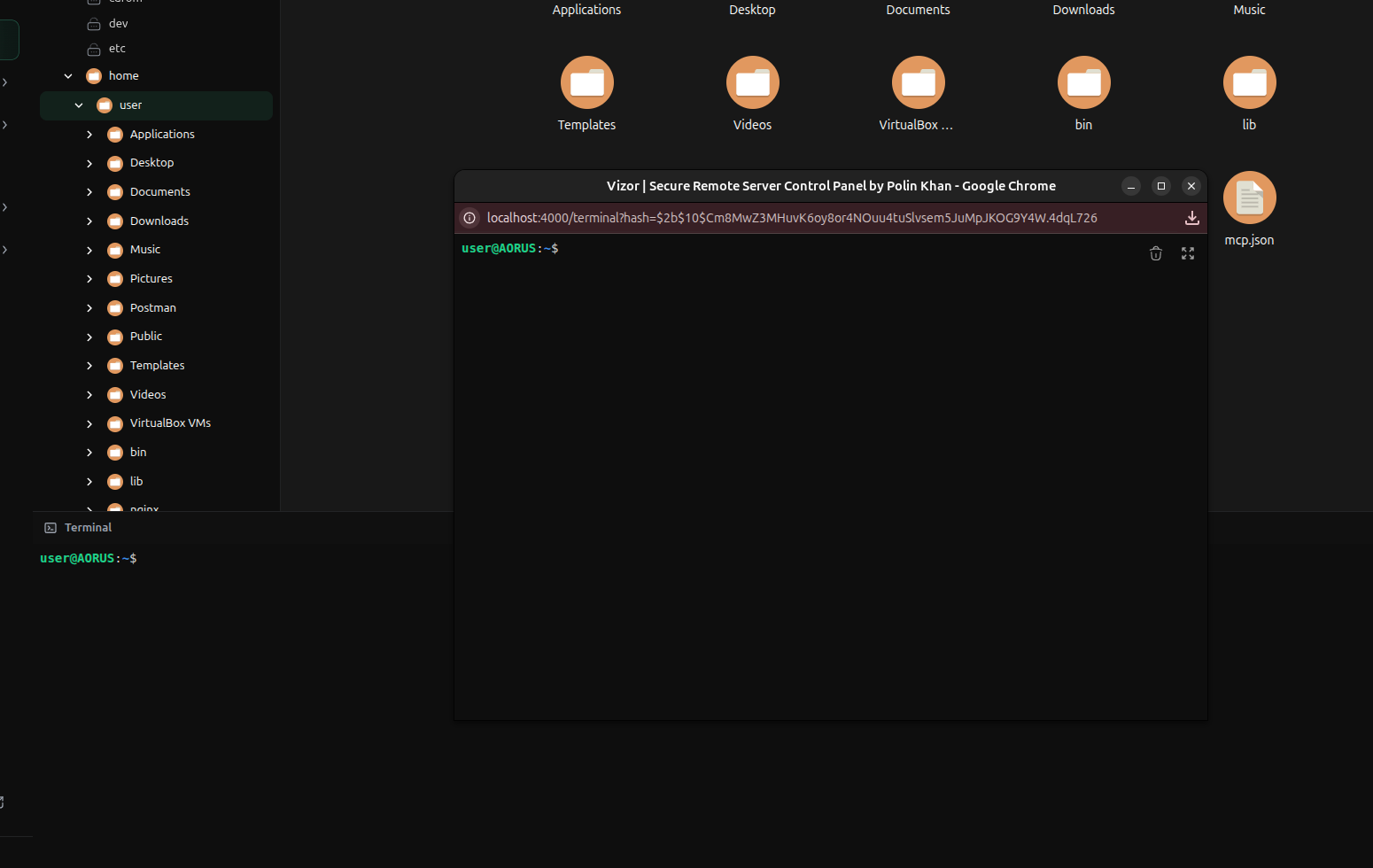
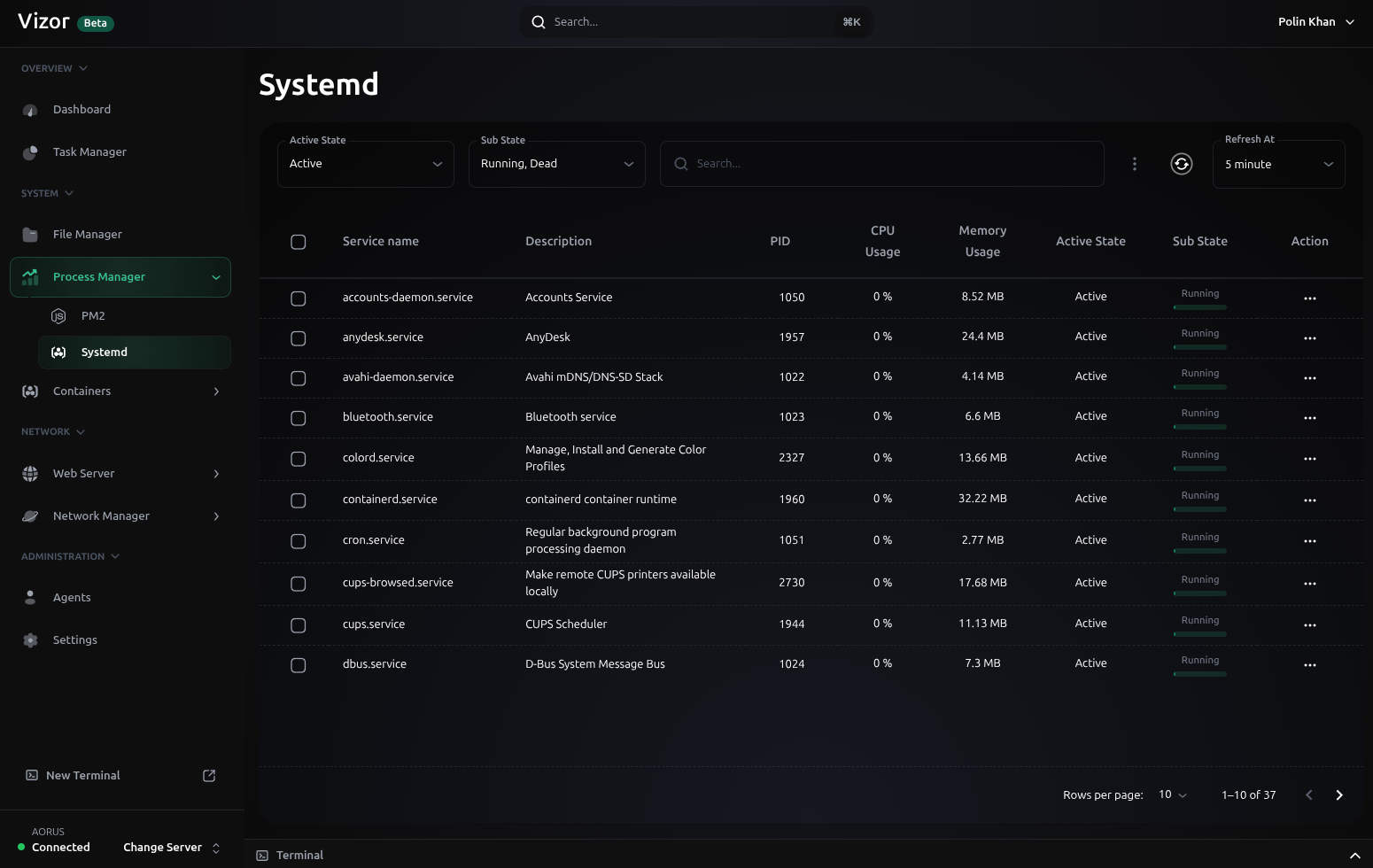
Vizor Dashboard screenVizor Task manager screenVizor File manager screenVizor Terminal screenVizor Systemd screen
Dashboard

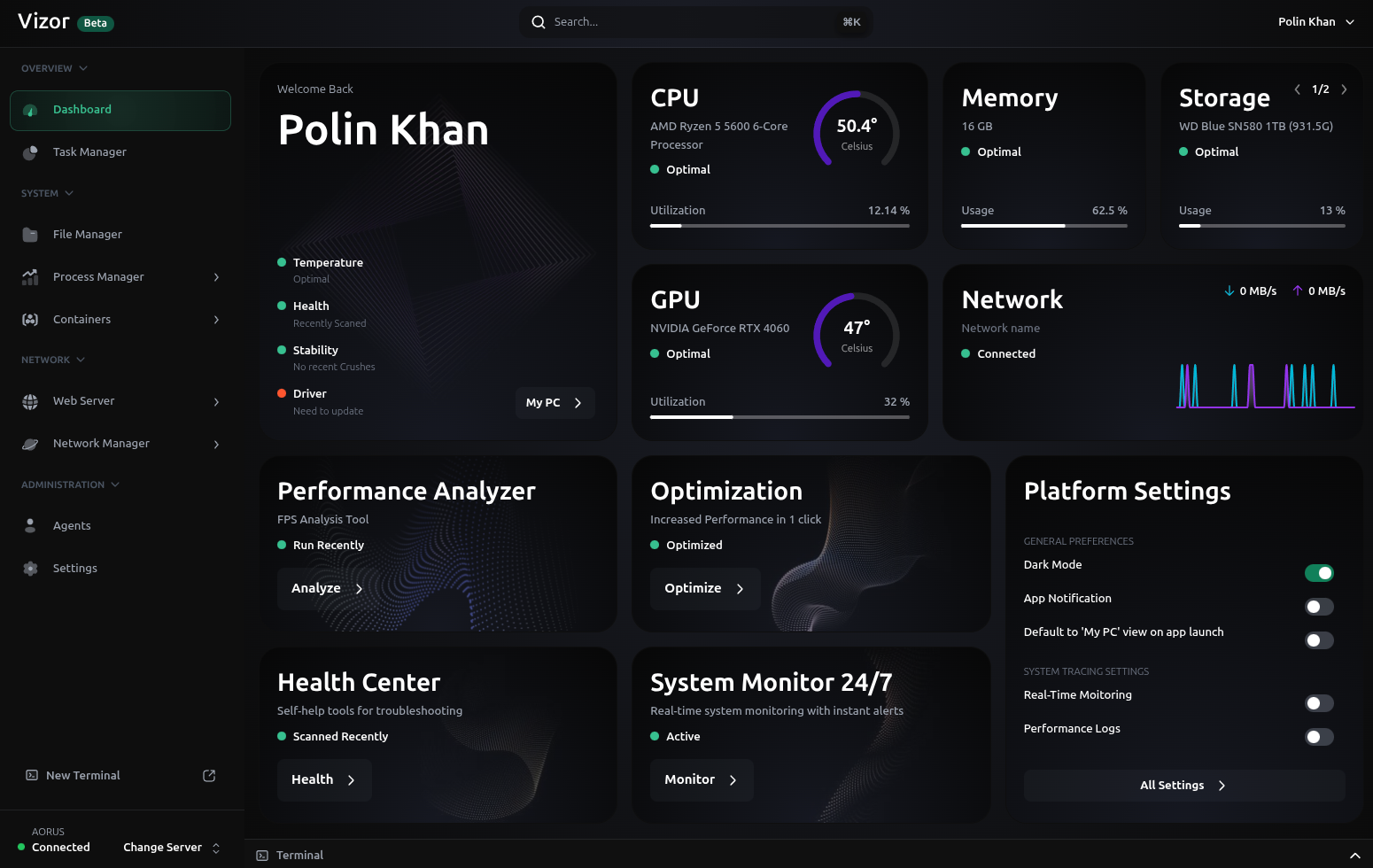
Live host health and resource usage.

Platform capabilities

Everything the dashboard needs, visible at a glance.

Vizor is designed for day-to-day operations: fast status checks, remote access, controlled service actions, and a clear path from new host onboarding to approval.

Live host dashboard

Track CPU, memory, GPU, network, disk, and overall system health as the host changes.

Remote terminal

Open interactive terminal sessions for approved hosts without leaving the dashboard.

File operations

Browse files, inspect content, upload, download, and work with host-side paths from one place.

Process management

Monitor processes and manage PM2 or systemd services from the same operations surface.

Network tooling

Review SSH, firewall, web-server, and network-facing details as the platform grows.

Approved agents

New hosts move through a guided approval flow before they become available to manage.
Workflow

From sign-in to server control in a guided flow.

The public story should stay simple: add trusted hosts, approve them, then use the Vizor dashboard to monitor and operate those machines.

Open the dashboard
One browser workspace

Sign in, choose an approved host, and move between monitoring, files, terminal, services, and settings.

Connect hosts
Guided onboarding

Install the host agent, review the pending machine, approve it, and keep the team focused on trusted servers.

Operate in realtime
Metrics and actions

Watch system changes, open remote workflows, manage services, and resolve issues from the Vizor UI.

Getting started

1

Sign in with credentials or an enabled OAuth provider.

2

Install the agent on a Linux host from the setup flow.

3

Approve the discovered host before it appears in the app.

4

Use live dashboard tools to monitor and manage the selected host.

Application areas

Dashboard

Task manager

Files

Terminal

Network

Process manager

Containers

Web server

Administration

Setup wizard

Vizor gives operators a single dashboard for routine checks, remote access, and service work, with room for container and web-server workflows as the platform expands.